I'm using Google Translate, so it may be a strange translation.
Please point it out.
Currently, up to 7 tilesets can be used in one map.
Extend Region and Collision
Tiles` Color Filter

Download
Base Plugin
TilesetEx.js Ver.4.2.1
RPG Maker MZ purchase is required for use.
Additional Plugin
TileA5Character.js Ver.1.0.0
MIT License
How to use
It can be used to compensate for tiles B to E, which tend to be lacking, but this time, as an example, we will create a map that combines the exterior and interior to make it easier to understand visually.
(1) Draw the parent map (exterior map).

(2) Save the image in the img\parallaxes folder.

(3) Create another map, the original child map (interior map).
Group the map so that the name contains the string "tilesetEx".
For example, "home interior _tilesetEx" is fine. Make sure the width and height are the same as the parent map.
Specify the saved map image as the parallax background.

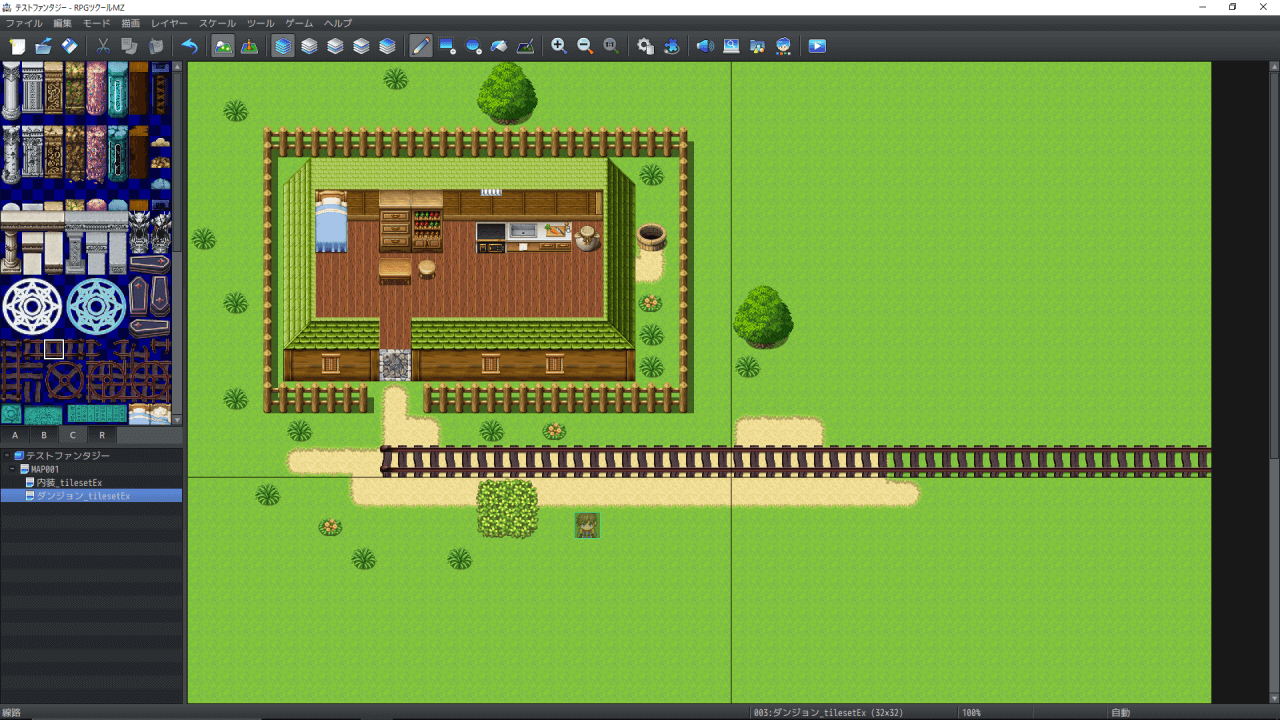
(4) Displaying the parent map in the child map in the editor makes editing easier.
From now on, every time you edit the parent map, just save it as an image and the parallax background of the child map will be updated as well.

(5) Draw the child map to match the parent map. Events using interior tiles can also be set up.

By the way, it looks like this without the parallax background.

(6) Please specify the parent map for the starting position and player transferring.
Specifying a child map does not merge the two maps.
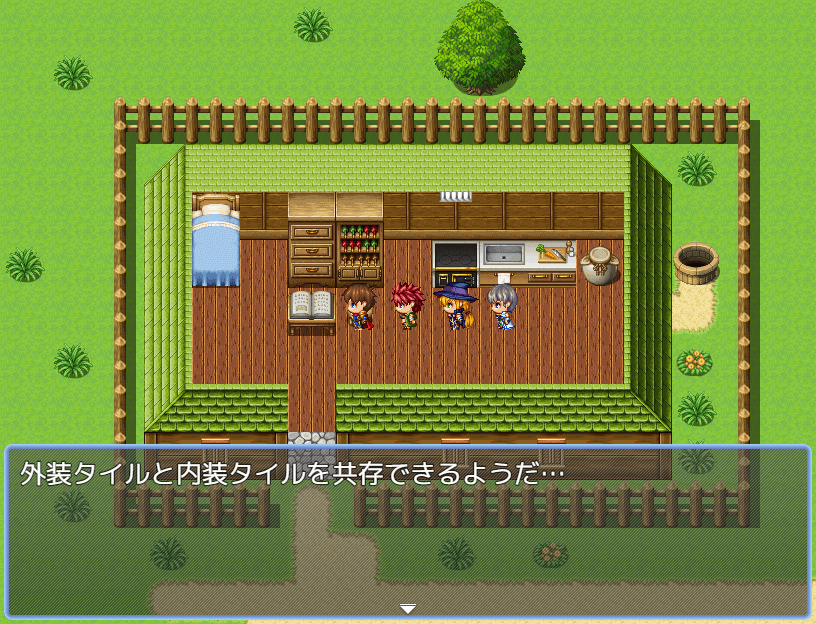
(7) When you actually start the game, the two maps are combined and become the strongest.
(8) If you want to add more, line them up like this.

Specification
・The event ID of the child map is the maximum event ID of the parent map + the event ID of the child map.
・The tile ID of the child map is the original tile ID + Tilemap.TILE_ID_MAX.
・If either the width or height of the map exceeds 64, the map image will be saved in a reduced state, so please enlarge it with paint software etc. as appropriate. For example, if it is 64 or more and less than 128, the scale will not match unless the image is enlarged twice.
・If the parent map and child map have tiles on the same square, if the layers match, the tiles on the child map will be overwritten, so pay attention to the layers when combining.
・The parallax background of the child map is not displayed in the game.
Please point it out.
Currently, up to 7 tilesets can be used in one map.
Extend Region and Collision
Tiles` Color Filter
Download
Base Plugin
TilesetEx.js Ver.4.2.1
RPG Maker MZ purchase is required for use.
Additional Plugin
TileA5Character.js Ver.1.0.0
MIT License
How to use
It can be used to compensate for tiles B to E, which tend to be lacking, but this time, as an example, we will create a map that combines the exterior and interior to make it easier to understand visually.
(1) Draw the parent map (exterior map).
(2) Save the image in the img\parallaxes folder.
(3) Create another map, the original child map (interior map).
Group the map so that the name contains the string "tilesetEx".
For example, "home interior _tilesetEx" is fine. Make sure the width and height are the same as the parent map.
Specify the saved map image as the parallax background.
(4) Displaying the parent map in the child map in the editor makes editing easier.
From now on, every time you edit the parent map, just save it as an image and the parallax background of the child map will be updated as well.
(5) Draw the child map to match the parent map. Events using interior tiles can also be set up.
By the way, it looks like this without the parallax background.
(6) Please specify the parent map for the starting position and player transferring.
Specifying a child map does not merge the two maps.
(7) When you actually start the game, the two maps are combined and become the strongest.
(8) If you want to add more, line them up like this.
Specification
・The event ID of the child map is the maximum event ID of the parent map + the event ID of the child map.
・The tile ID of the child map is the original tile ID + Tilemap.TILE_ID_MAX.
・If either the width or height of the map exceeds 64, the map image will be saved in a reduced state, so please enlarge it with paint software etc. as appropriate. For example, if it is 64 or more and less than 128, the scale will not match unless the image is enlarged twice.
・If the parent map and child map have tiles on the same square, if the layers match, the tiles on the child map will be overwritten, so pay attention to the layers when combining.
・The parallax background of the child map is not displayed in the game.