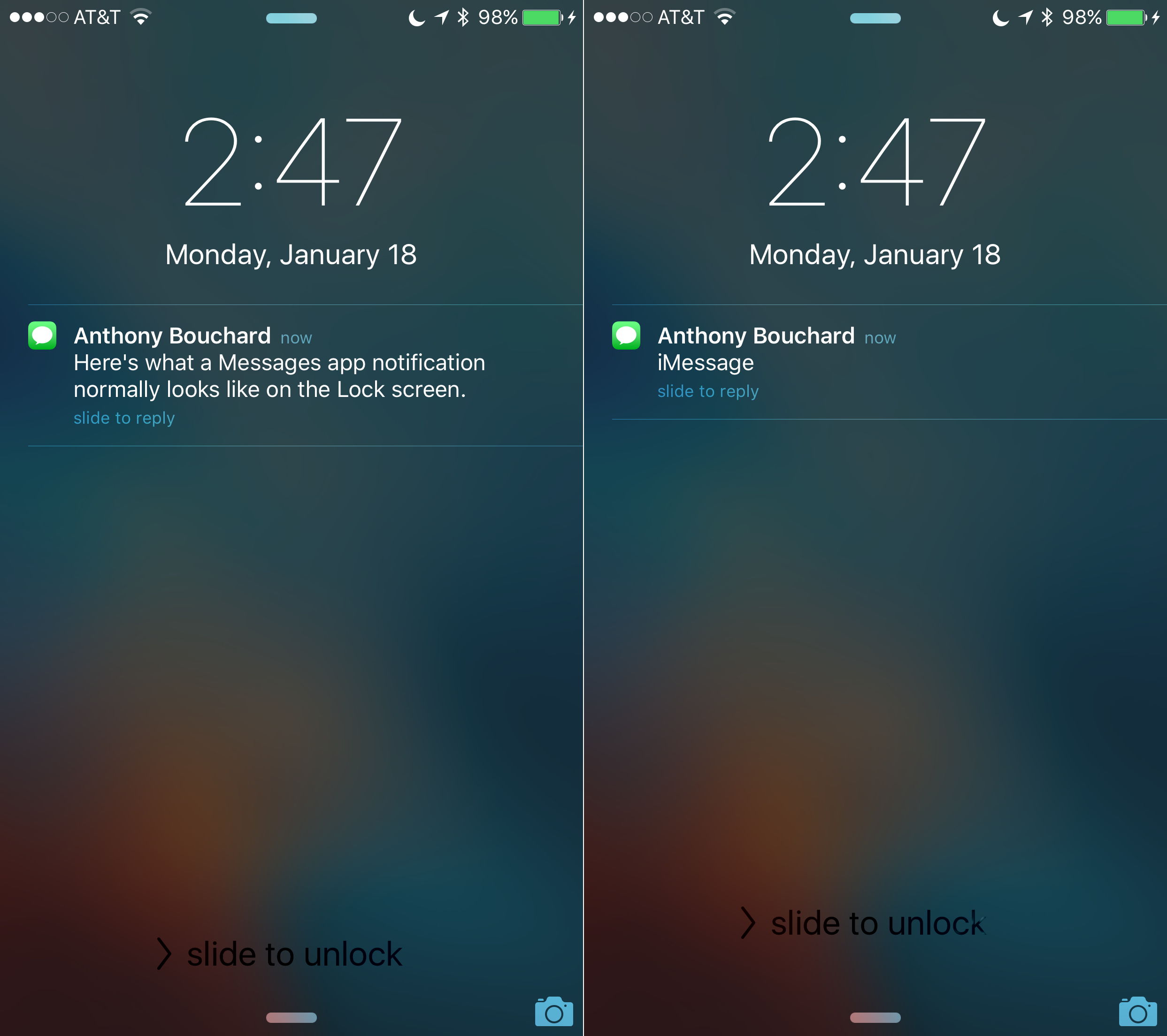
Before, notifications would leave the screen black, but pop up a subtle banner, then go away. Now, when a notification comes in, the screen wakes up along with the notification. The problem is that at night, when the screen wakes, it keeps me from falling asleep.
Is there a way to get it to Afro like before 10?
I know the DND, but I don't want to use that for fear of missing a call or important text.
Thanks!
Notifications have always woken the screen. Not sure why you think otherwise.
About missing a call, I have DND set to let phone calls through no matter what.
And if a text is important enough during night time, let them call me. A text is not important by definition to me.
Or maybe we (people at home) are all going crazy. I don't know.
I edited my last post after you quoted me. Sorry. Could you post a screen shot of what it looks like now without any private information shown?
There's no getting away from the new lighter coloured Notifications banners. Yes, the iOS 9 way was light text on a blurred, darkened version of your lock screen wallpaper. In iOS 10 they are proper banners, light with black text. I'm guessing they are designed that way to make new users realise they are active items, you can activate and respond to them.
All I can suggest is edit your lock screen wallpaper and make it much darker.
As for "the rest of the unused screen remains black (as in, it doesn't show the wallpaper. time, anything else. Just the notification)", even your own example screenshot shows that's not true. But it was a lot darker than now.
Andy, there are other examples out there where it is all black. I just grabbed a random one from GIS.
However, good idea on lock screen wallpaper! I always set both to the same wallpaper, that I forgot you can choose a different one. Thanks!