I am not good at English, This post was translated by machine translation
I just started writing Rmmv plugins for less than a week ( But I have one year of Vue.js experience)
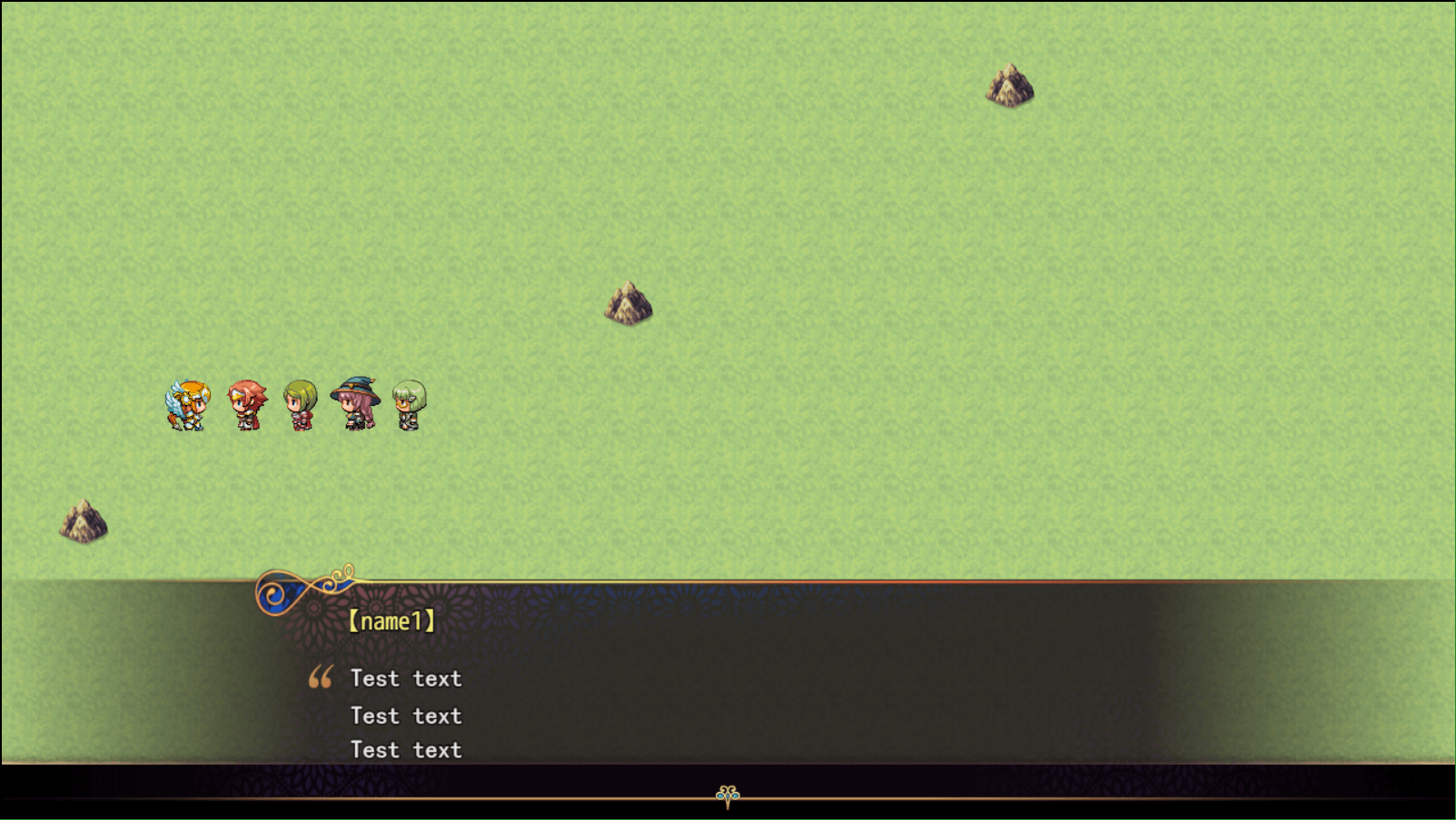
The thing is this, I am writing a plugin that changes the background of the message
Use mine PNG image as background and make the default background transparent
(Remarks:I use the picture as a bitmap and call addChildAt() Let it be mounted under window_message)
But everything is not so smooth,I have some trouble:
As we known,
When message close and if you next message's background is different from the previous one, rmmv will call
updateClose (Window_Message.prototype.updateClose ) to close message window and It will trigger a transition effect
This transition effect will made my background has a 'Flashing' animation, is not good
updateClose is an infinite loop, It will cause openness to decrease to less than 0 and then jump out of the loop
So I tried to modify it like this:
Code start--------------------
var _Window_Message_updateClose = Window_Message.prototype.updateClose
Window_Message.prototype.updateClose = function () {
if (this._closing) {
if (useType === 1) {
this._closing = false;
} else {
_Window_Message_updateClose.call(this)
}
}
}
Code end---------------------
useType is a variable I use to judge whether to enable the plugin command ~~
This way there will be no flashing problem when writing, but has a new question
After the plot all text ends, the message window will remain
So...
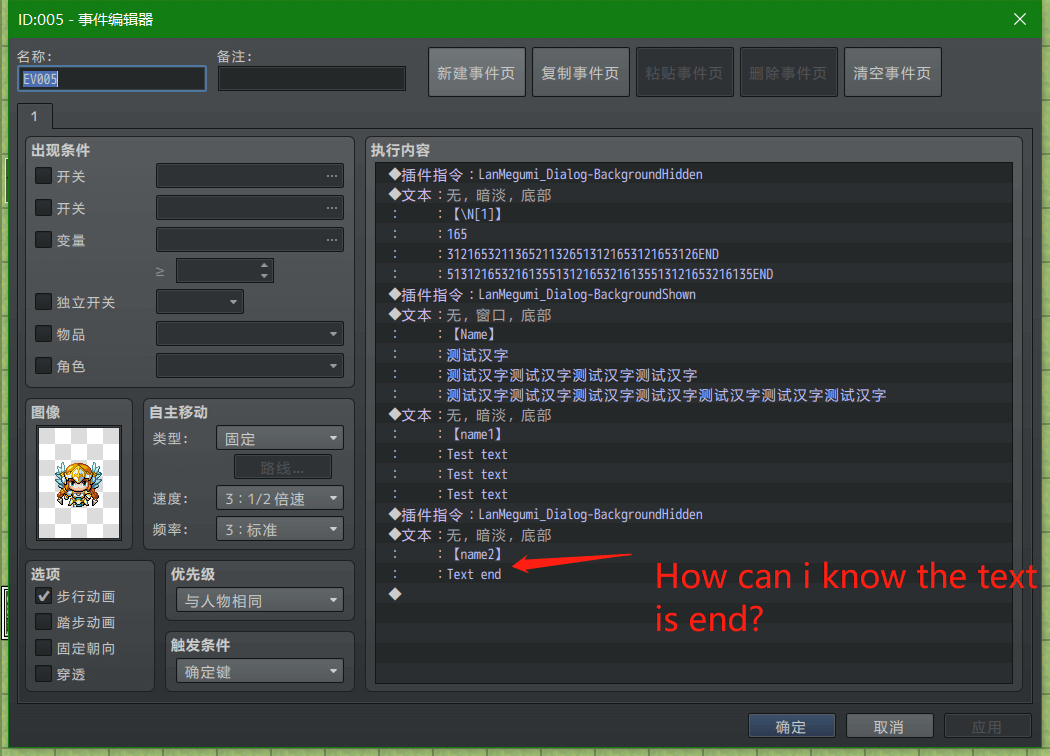
Is there any way for me to know if the text in the event page has reached the last item?
or
Use other methods to modify openness
---------------------
Remaks: Some screenshots that I think can help you understand my intentions