Hello,
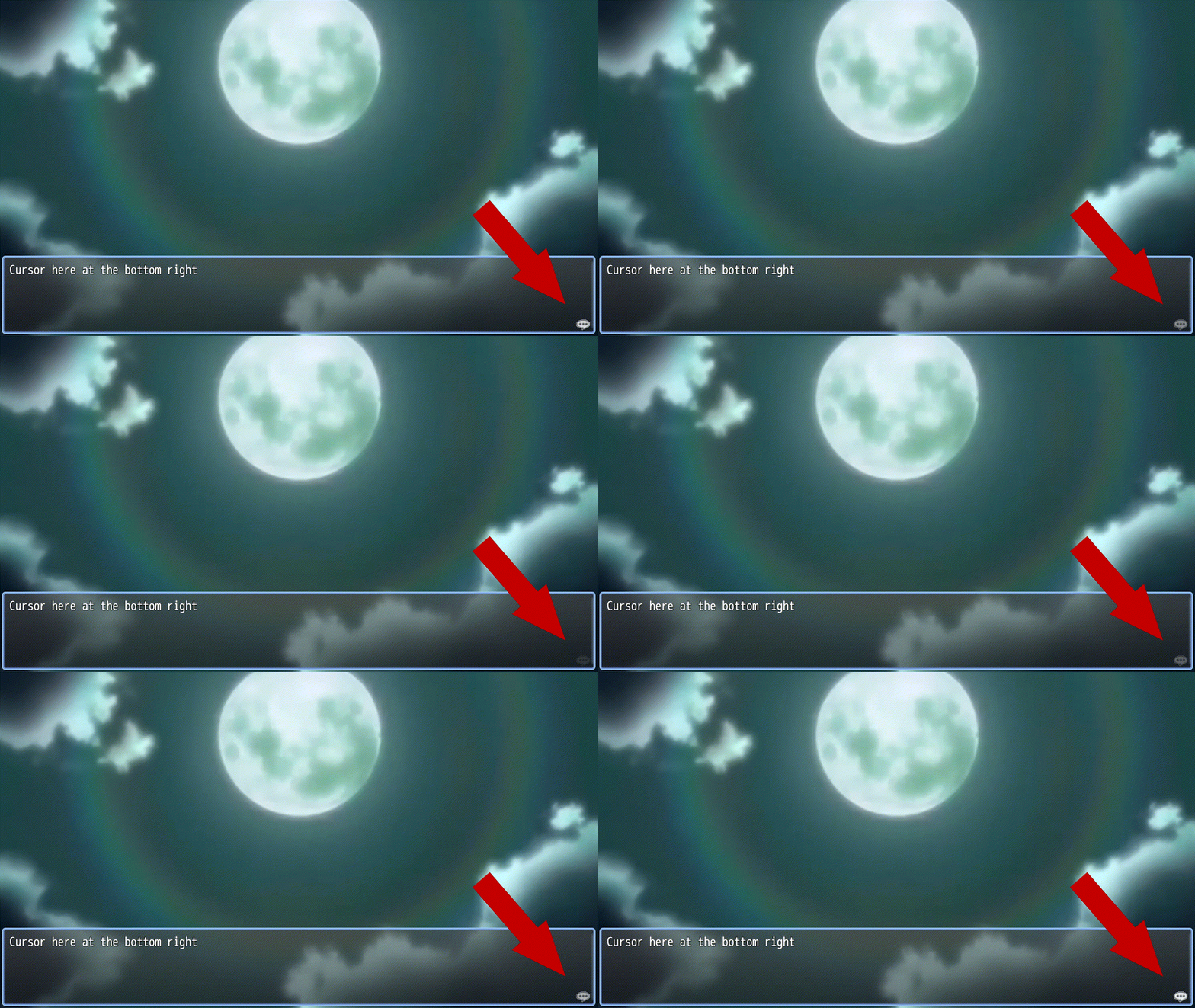
By default, when a message has finished displaying all of the words and is waiting for player input, a little animated cursor is shown to indicate that the player should press the confirm button to proceed.
I would need to keep the cursor in the game but at some point in my game I would like to temporarily remove it and then put the cursor back.
I'm not often on Rpg Maker MZ but I haven't seen this feature, if I missed it please forgive me.
Thanks for help me.
Edit: also I need to specify that I need this temporarily so I must be able to remove it and then bring it back I don't need this for all my game as I was able to see elsewhere.
https://i.ibb.co/hyxt6h0/ezgif-com-optimize.gif