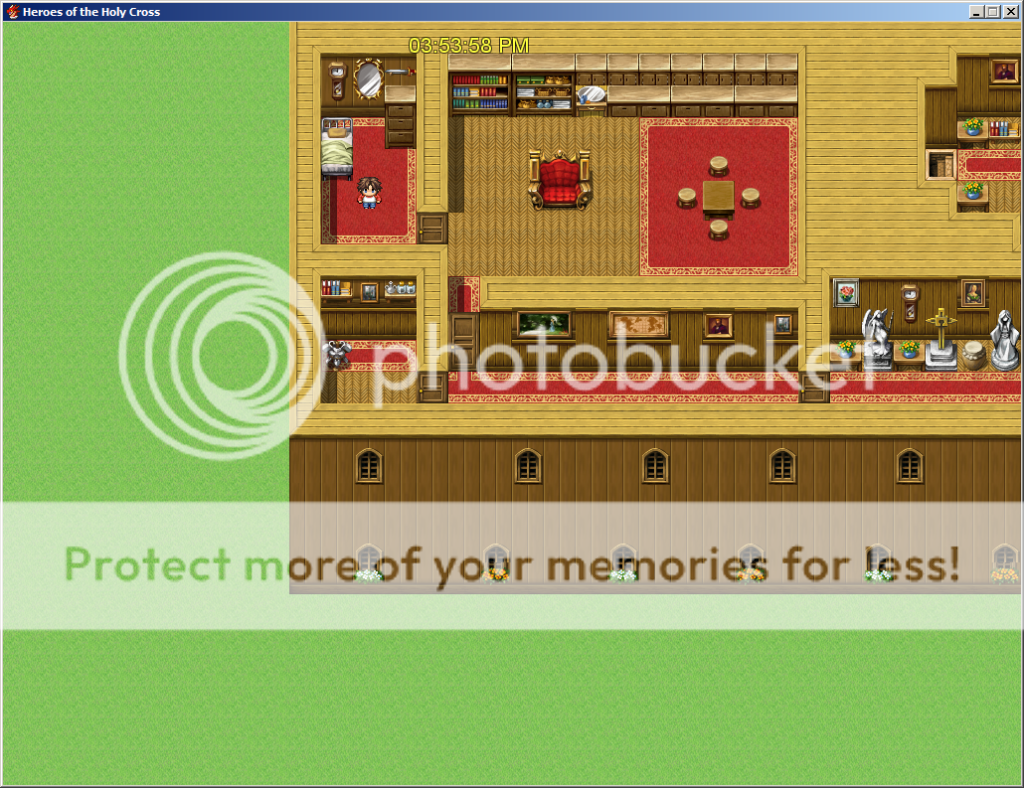
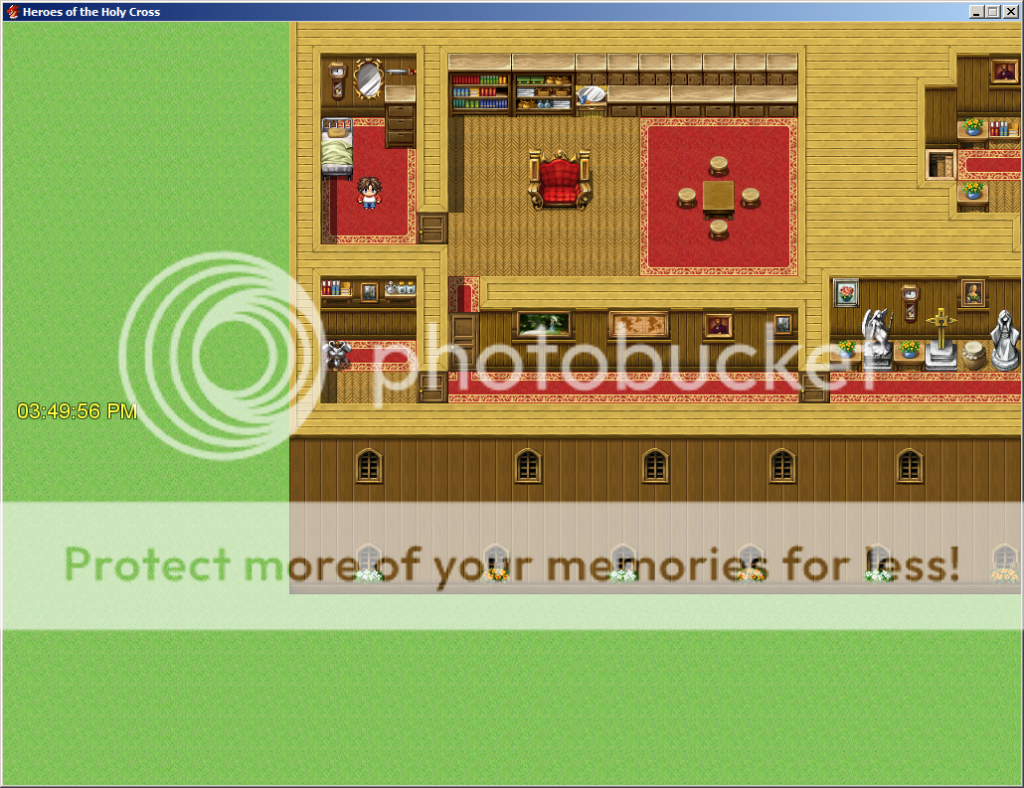
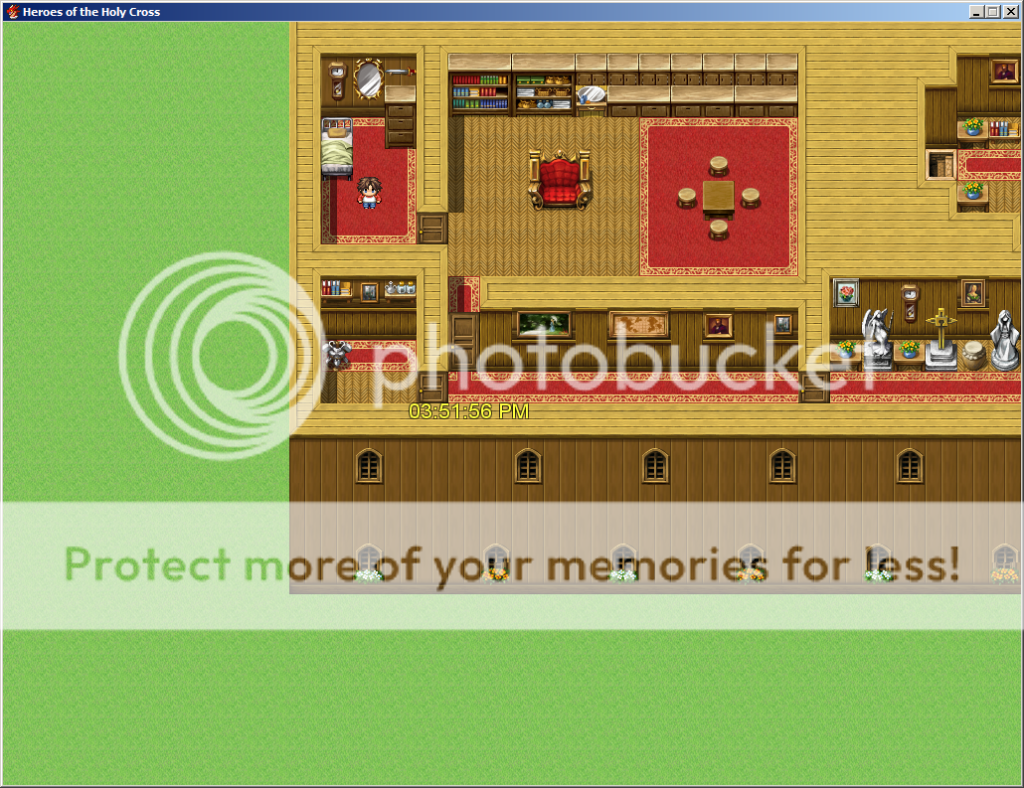
Yes, that script changes the resolution after the game has started up, and that is after the modules has been loaded, so the module will not recognize the change in Graphics.width and Graphics.height.
I made a little tweak in my base script, so it will be possible to get the correct width and height of the game's screen even with that script:
sixth_pc_timer_display_v_1_2.txt
After you replaced my base Timer script with the new one, you can change the settings for the position options in my addon script like this:
Position_Setup = { # <-- No touchy-touchy! 0 => [0,0], 1 => [[-Window_Setup_Map[:size][0]],0], 2 => [0,[-Window_Setup_Map[:size][1]]], 3 => [[-Window_Setup_Map[:size][0]],[-Window_Setup_Map[:size][1]]], 4 => [:center,0], 5 => [:center,[-Window_Setup_Map[:size][1]]], } # <-- No touchy-touchy!Window_Setup_Map[:size] will read the settings from my base script, so you don't need to edit the width and height at both places, only in my base script.But of course you can change those to direct numbers if you want.
I explained what changed with the position setups for the map timer window in the new script, so make sure to read them.
It should work now, regardless of what resolution you are using, because the correct position is decided in the class itself, and not in the module.
I haven't tested it thought, so that waits for you to do!
😛